Reforge: PDF to DOCX Made Easy
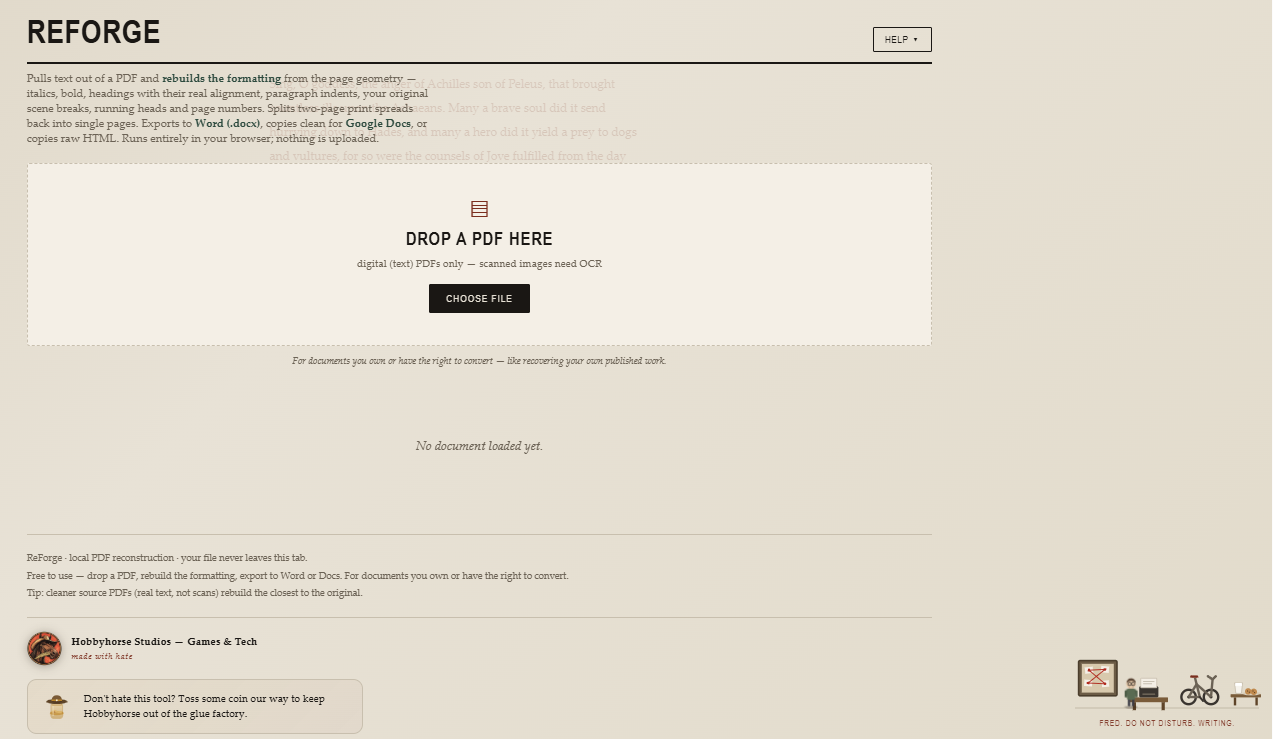
ReForge — PDF to formatted text, rebuilt in your browser
Drop in a PDF and get your text back with the formatting intact — bold, italics, paragraph breaks, headings, and approximated fonts — not the flattened wall of text you get from copy-paste.
ReForge reads the actual page geometry to rebuild structure: it splits two-page print spreads back into single pages, strips running heads and page numbers, and preserves your styling. Export straight to a real Word .docx, copy clean for Google Docs, or grab raw HTML.
Everything runs locally in your browser. Your file is never uploaded — nothing leaves your tab.
Built for people recovering documents they own or have the right to convert — like getting your own published book back out of a print PDF.
What it does:
- Rebuilds bold, italic, paragraphs, and headings from the source
- Splits two-page print spreads into single pages
- Strips headers and folios (toggleable)
- Exports to Word .docx, Google Docs, or HTML
- 100% client-side — no upload, no account, no tracking
A 90% head start, not a finished manuscript — cleaner source PDFs (real text, not scans) rebuild closest to the original. Scanned/image PDFs need OCR first.
Free to use. Made by Hobbyhorse Studios.
Download
Click download now to get access to the following files:
Development log
- ReForge Release!!!12 hours ago

Comments
Log in with itch.io to leave a comment.
I recently had a computer die on me right before I did a cold storage backup. It took my raw DOCX to the grave.
Big yikes right there, as the kids would say.
Fortunately, I had published my books on Amazon already, so I still had a way to recover things, if only in a small way.
It was just PDFs.
I needed DOCX to run on Word.
So, when there was no tool to save me, I made one.
This tool will convert your PDF to a DOCX (or something you can just copy and paste) and it will save your paragraphs, indentations, AND ITALICS!!!
I still have some work to do for justifying lines on this, and for tables too, but this thing works as is, and I have some books to save, so, carry on!!!